GAMEPLAY
GAMEPLAY
GAME MECHANICS
■ Surveillance
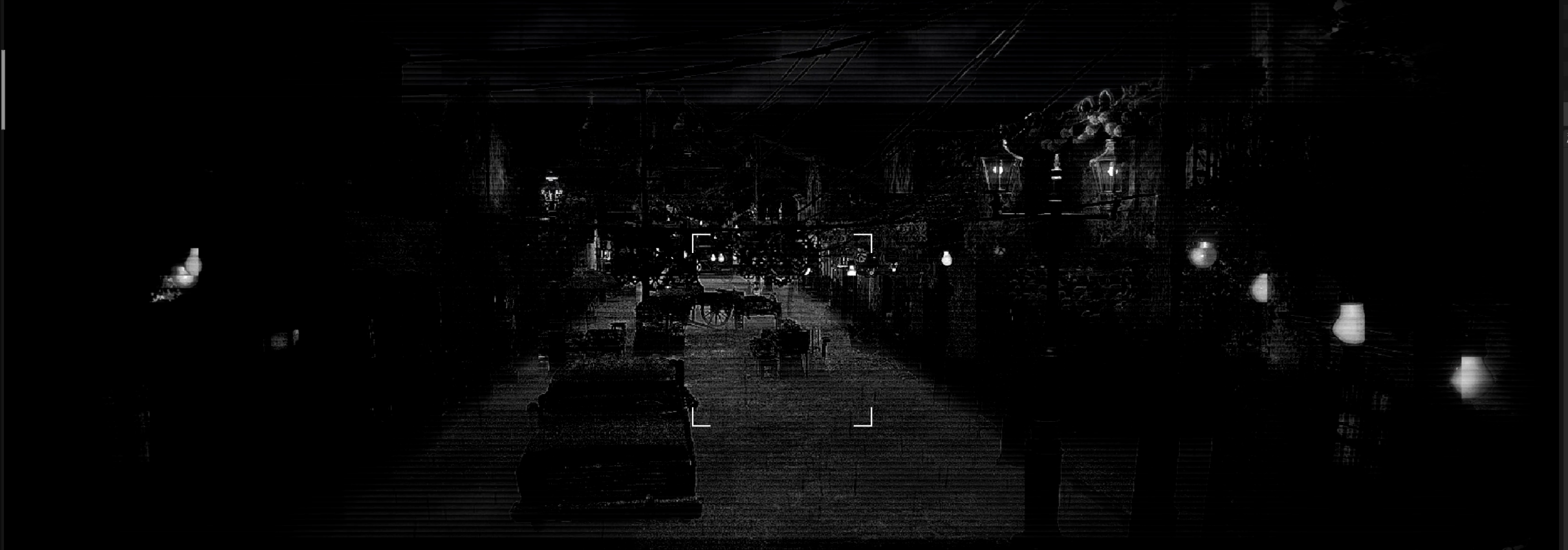
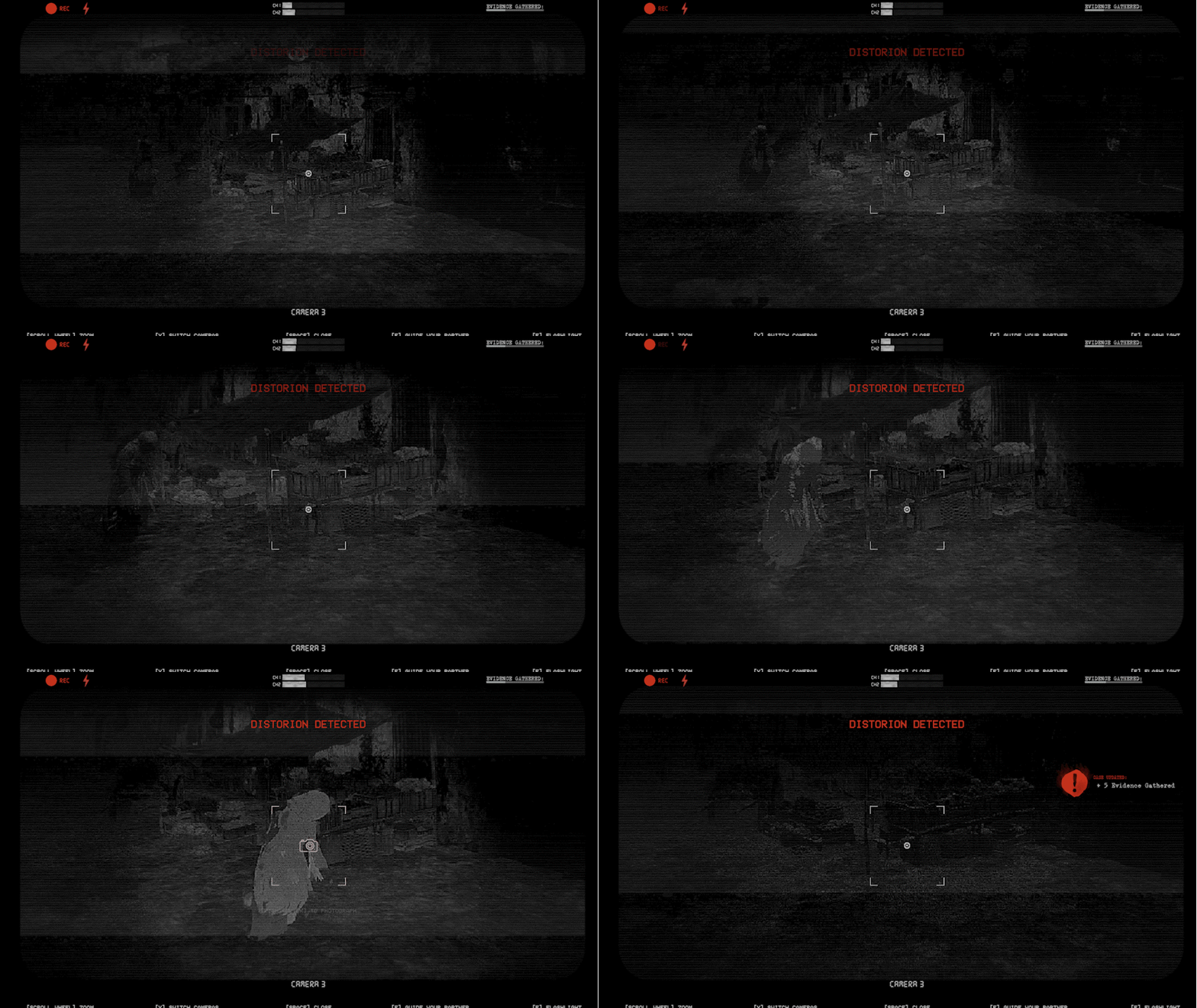
Surveillance is conducted through live security camera feeds scattered across the environment. You monitor streets, hallways, and abandoned spaces from a distance, watching for movement, anomalies, and signs of approaching folklore entities. Searching means seeing danger before it reaches your partner—if you’re paying attention.
■ Investigation
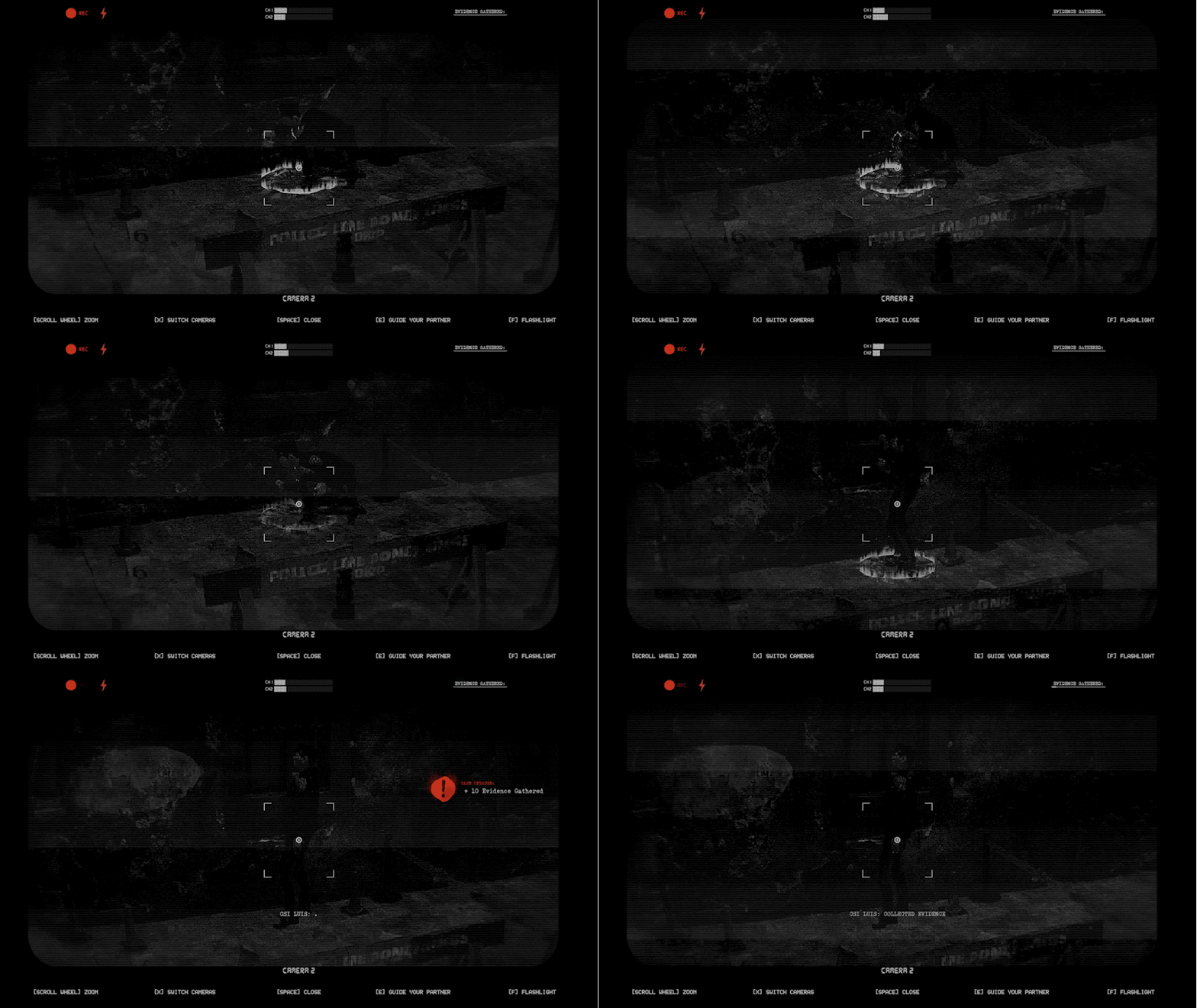
Investigation takes place in specific areas of interest where incidents have occurred. Through your partner, you search locations for physical evidence: documents, personal items, recordings, and traces left behind by folklore creatures. Each piece of evidence builds the case while slowly revealing the detective’s own buried memories. Some discoveries provide answers; others deepen the mystery and emotional weight.
■ Partner
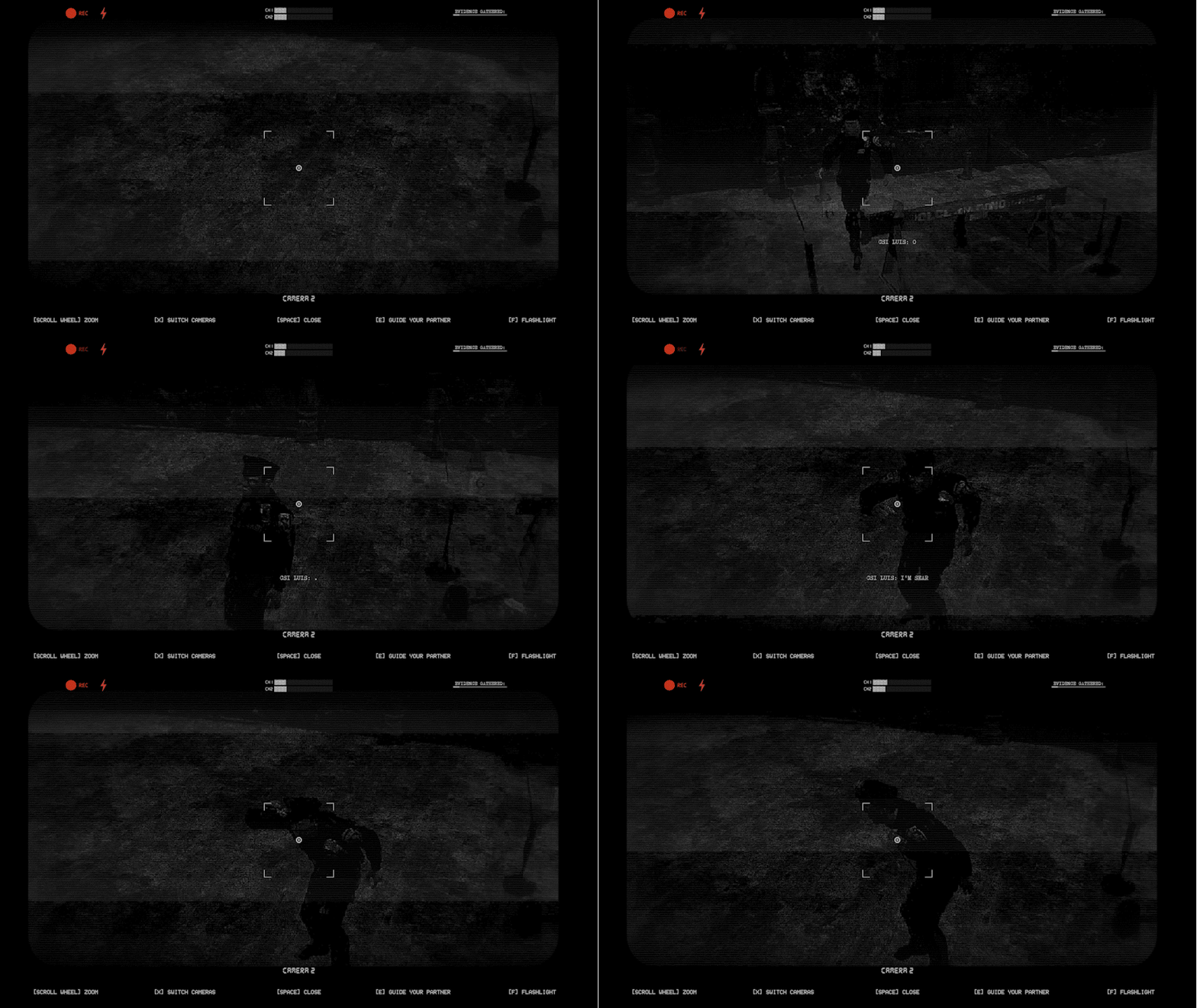
You guide your partner remotely using cameras, radios, and environmental cues. You decide where they move and how close they get to danger. Every instruction carries risk—delay can be fatal, and mistakes have consequences. Guiding your partner becomes a reflection of the detective’s struggle to protect someone again after loss.
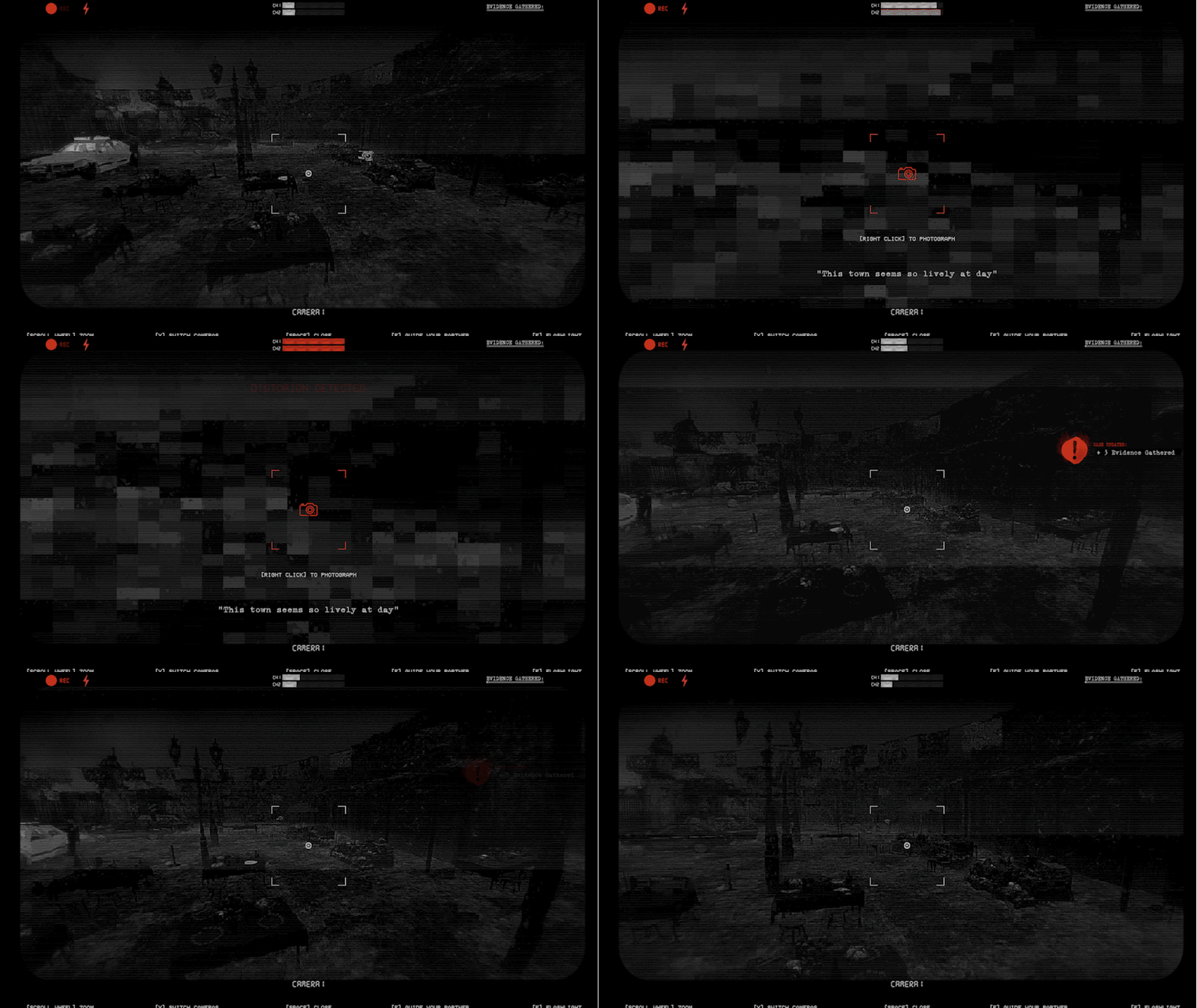
■ Photography
Photography is your primary means of confrontation. Through the camera, you capture images of folklore creatures to expose, weaken, or drive them away. The act of photographing requires precision under pressure—framing, timing, and steadiness matter. Each photograph is proof of the supernatural… and a reminder that the detective can only face his fear by looking directly at it.
WILL YOU CONFRONT YOUR TRAUMA?
FULL PLAYTHROUGH
8 Minutes In Length
A full playthrough of SPECTER
Full experience for those who cannot play.
DOWNLOAD SPECTER
SIZE: 6 GIGS (ONLY WINDOWS PACKAGE IS AVAILABLE)
DOWNLOAD INSTRUCTIONS
CLICK ON THIS GOOGLE DRIVE FOLDER LINK TO DOWNLOAD SPECTER
ONCE GOOGLE DRIVE OPENS, SELECT WINDOWS
YOU WILL SEE A ZIP FILE OF THE SPECTER BUILD
DOWNLOAD THE ZIP
ONCE THE DOWNLOAD ENDS, EXTRACT IT
IMPORTANT DETAIL: YOU MUST KEEP ALL FILES IN THE FOLDER (DO NOT MOVE OR DELETE ANYTHING)
OPEN THE FOLDER AND RUN THE .EXE FILE
ENJOY
STEP BY STEP VIDEO EXAMPLE